
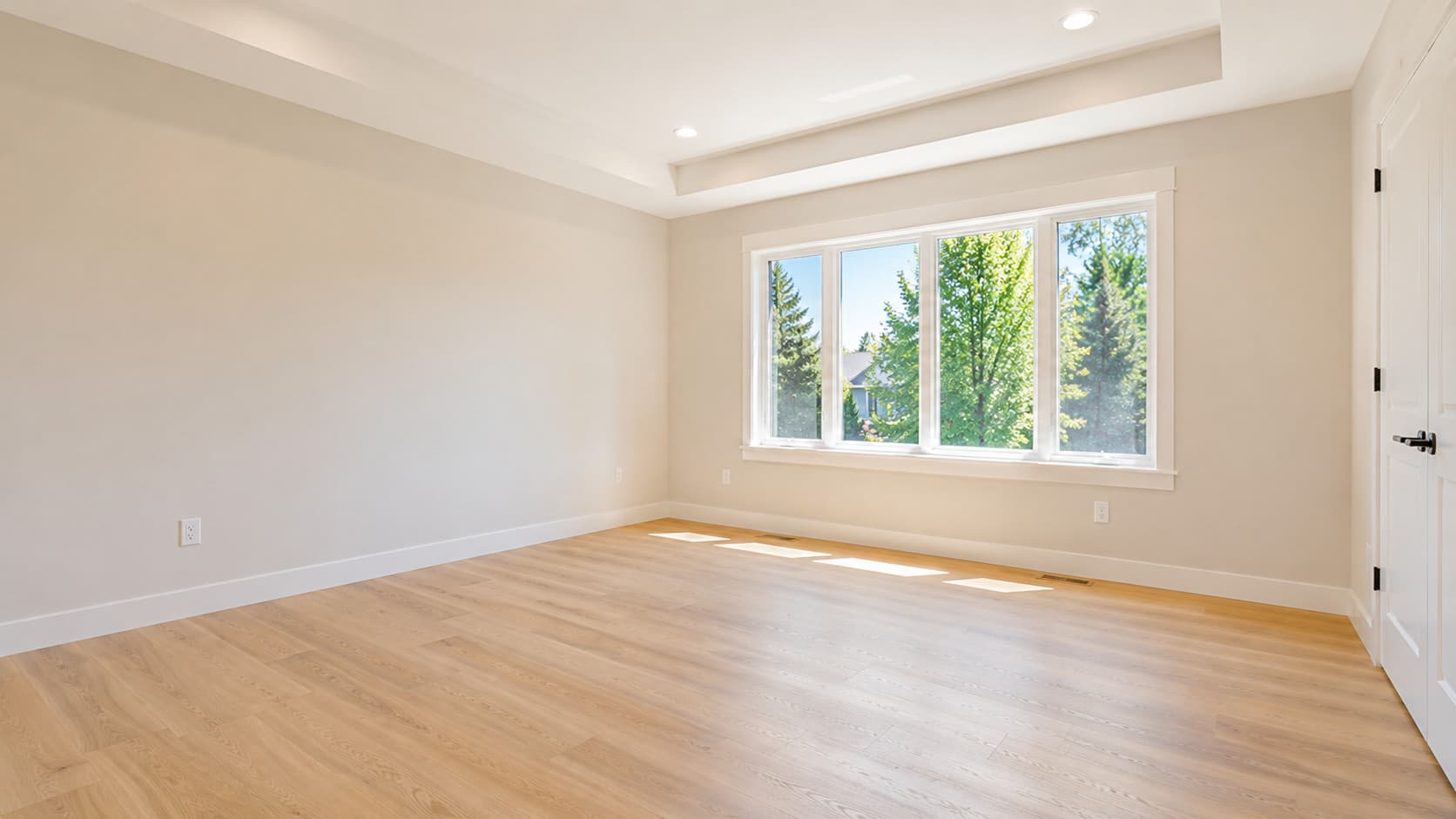
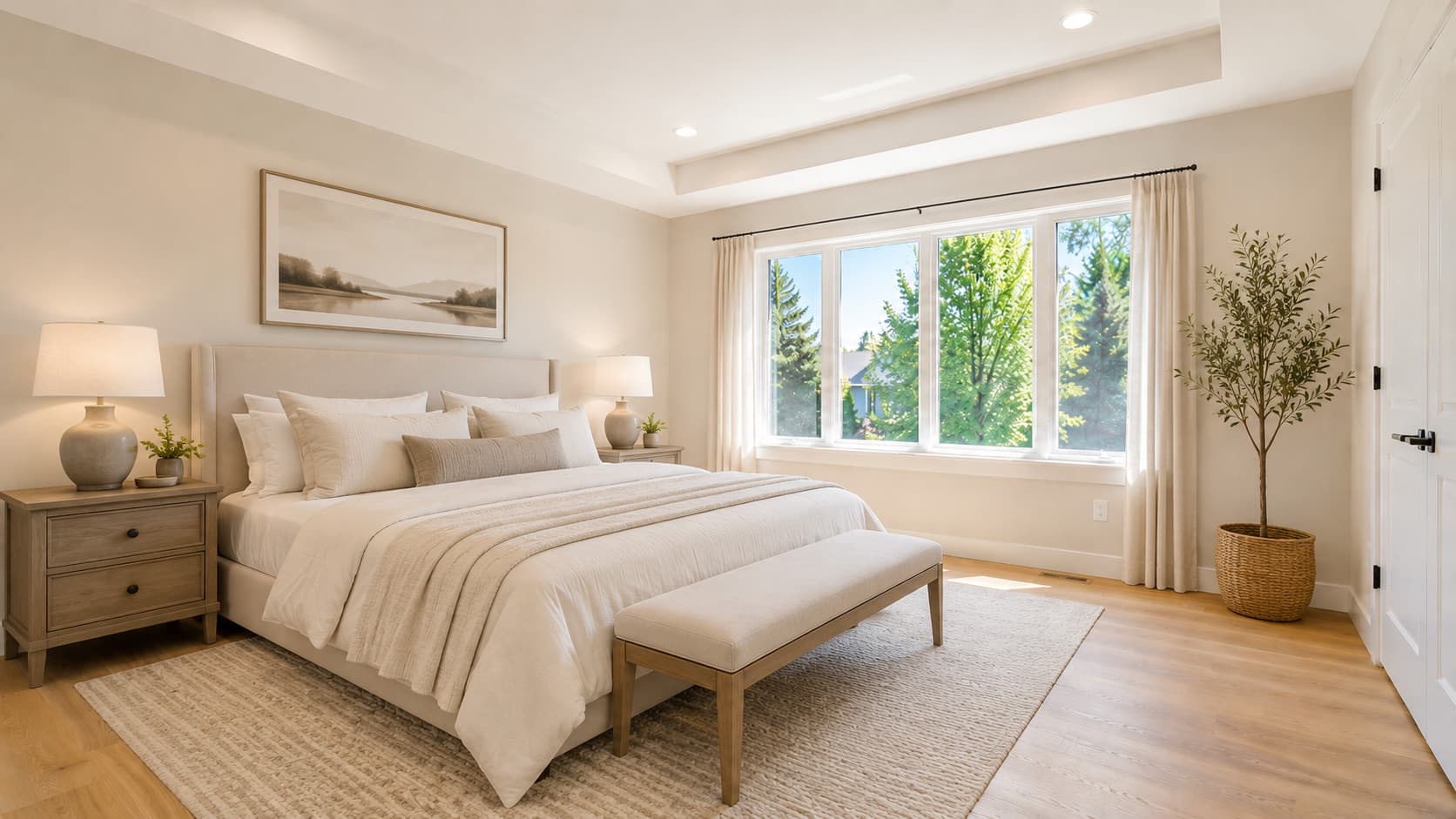
Declutter
Remove furniture & clutter
Show a room clean and empty. ListingShot removes furniture, boxes and mess so buyers see the space, not the stuff.
Declutter a room, furnish an empty one, or fix bad lighting with one tap. ListingShot turns the photos already on your phone into listing-ready shots. No account, no editing skills, no desktop.

No account · Pay per photo
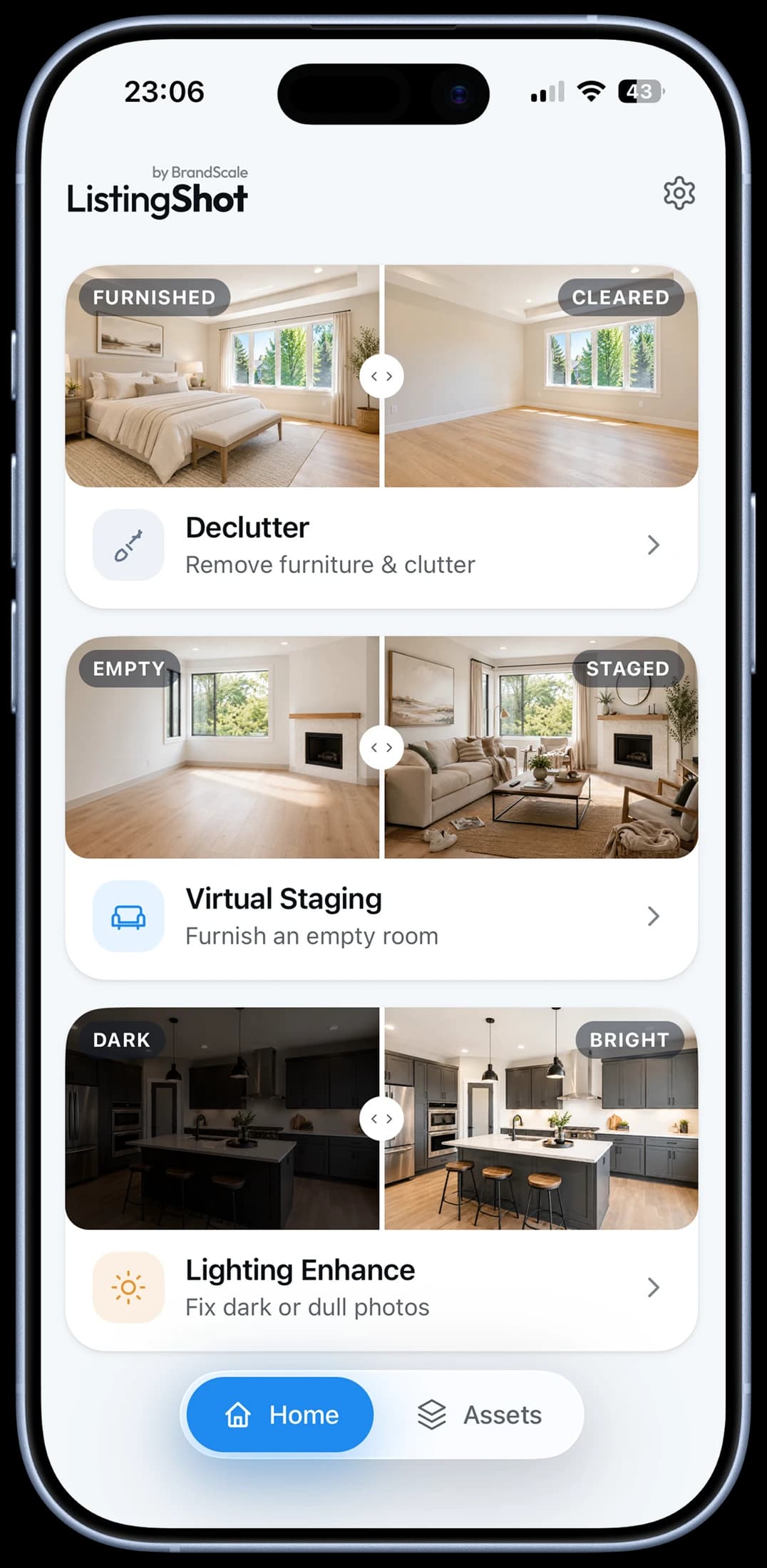
Nearly every weak listing photo has one of three problems. ListingShot fixes each in seconds: pick a photo, pick a tool, done.
Remove furniture & clutter
Show a room clean and empty. ListingShot removes furniture, boxes and mess so buyers see the space, not the stuff.
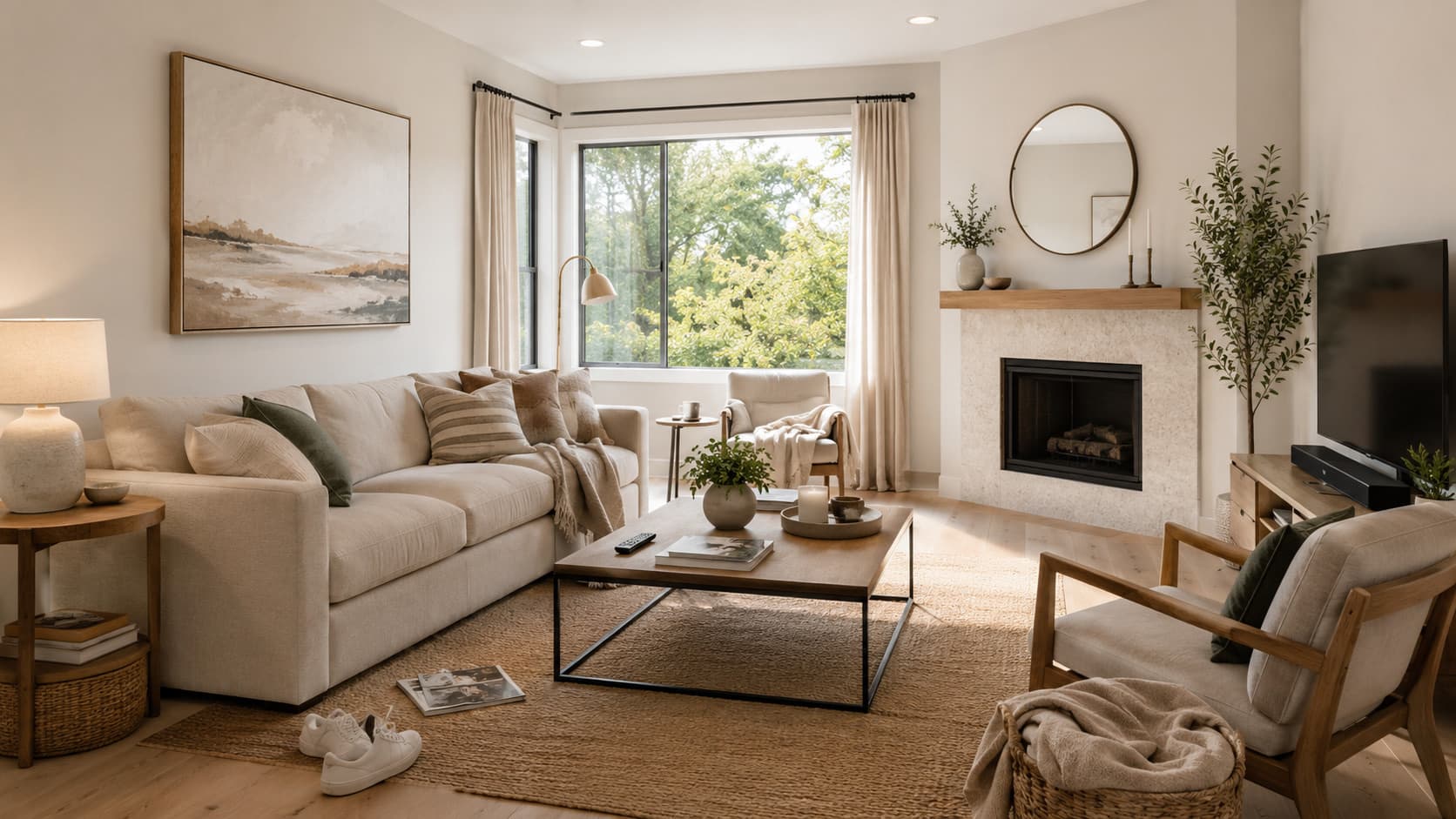
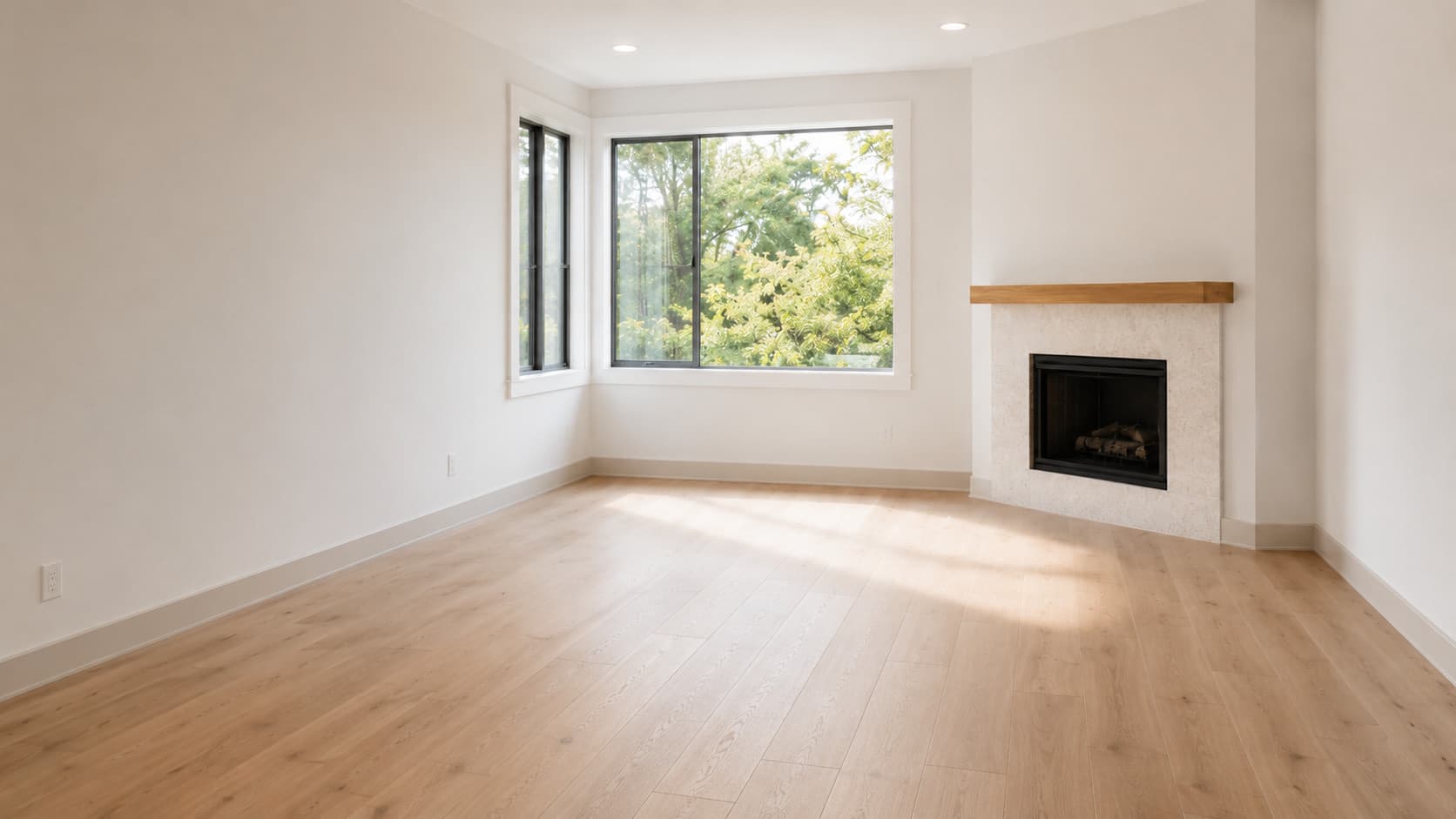
Furnish an empty room
Turn a bare room into a warm, lived-in space. Choose from six styles: Modern, Scandinavian, Minimalist, Luxury, Cozy or Industrial.
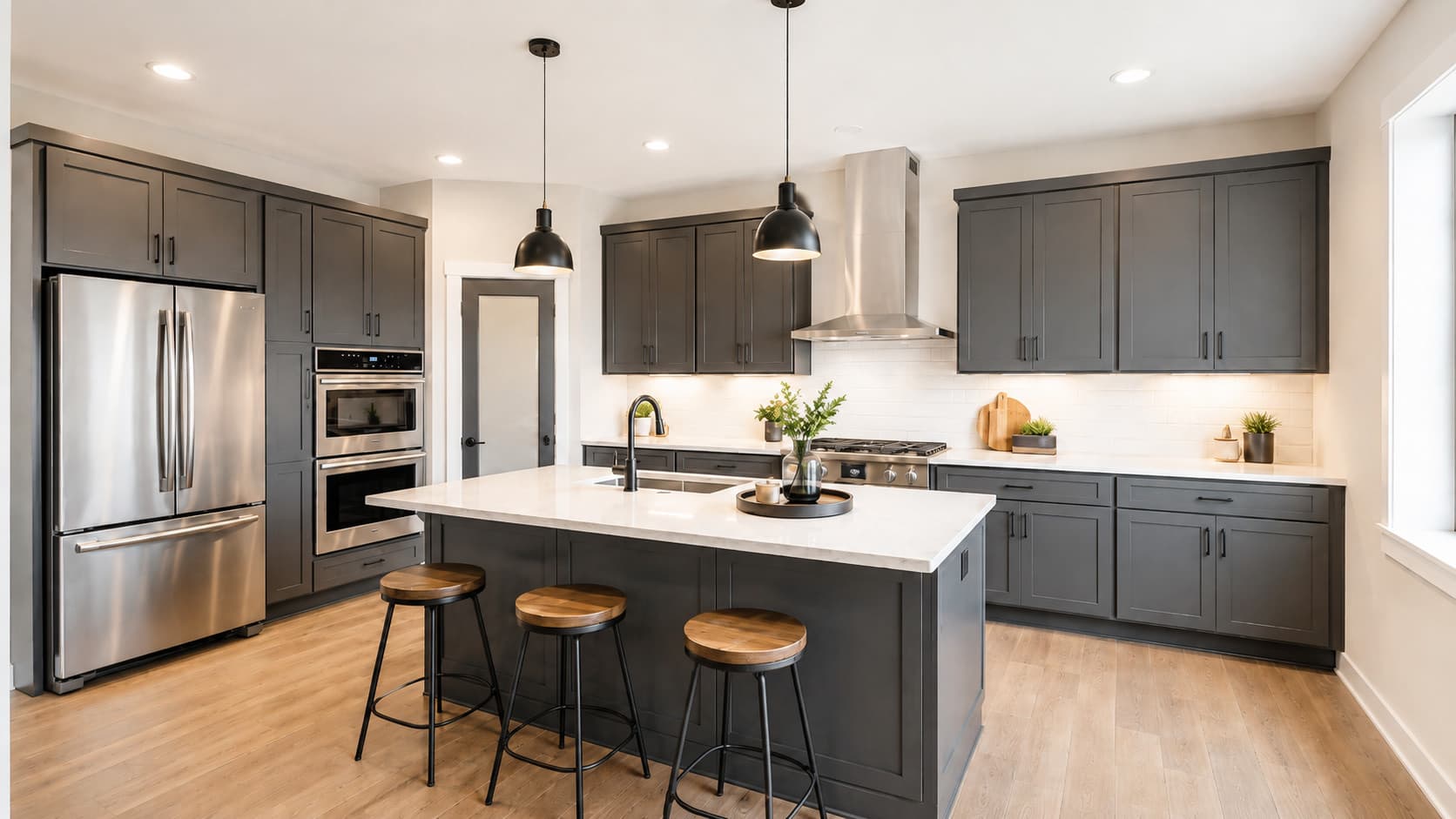
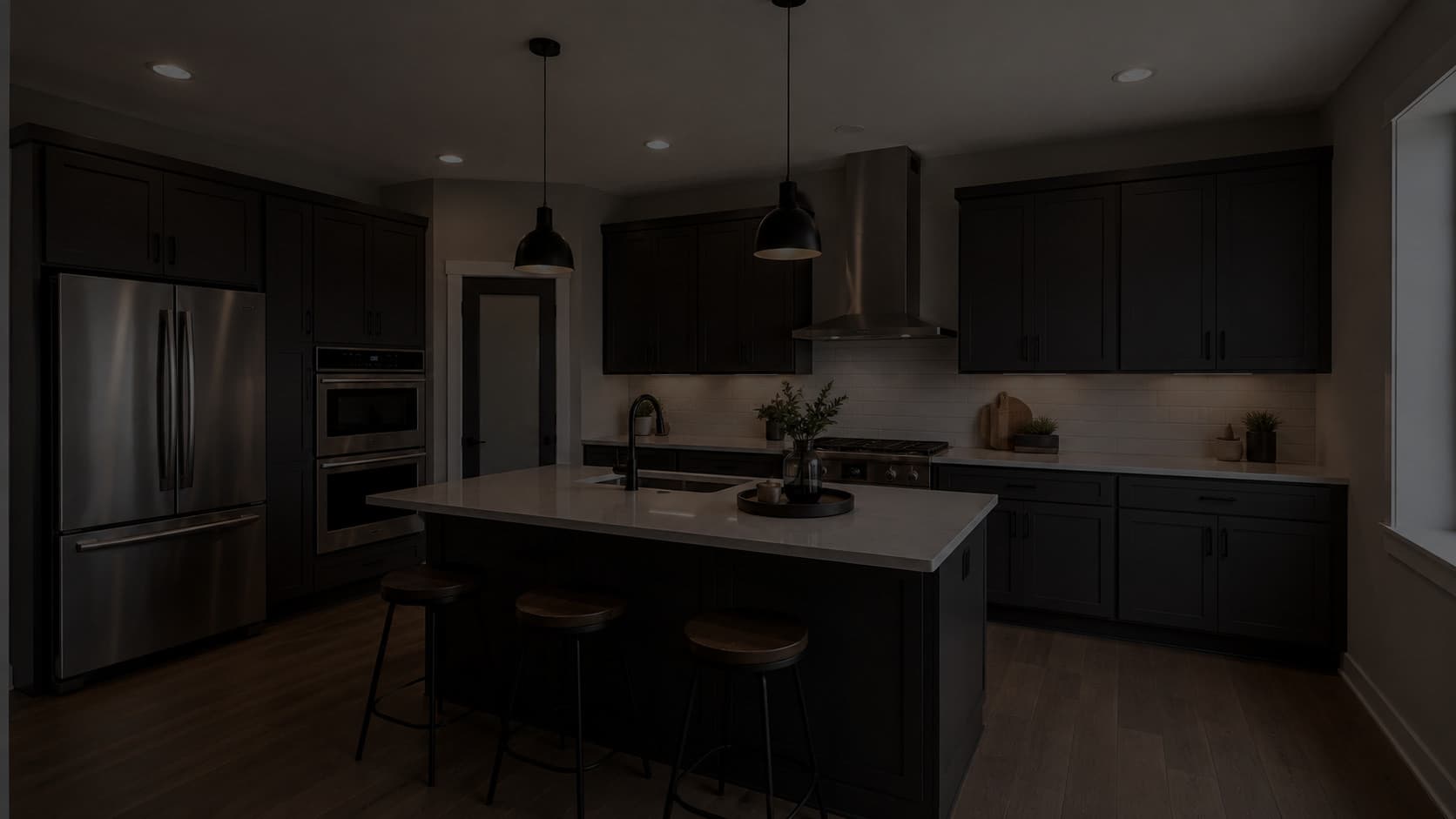
Fix dark or dull photos
Rescue a dark, flat or badly-lit shot. ListingShot fixes exposure, white balance and brightness, without changing a thing in the room.
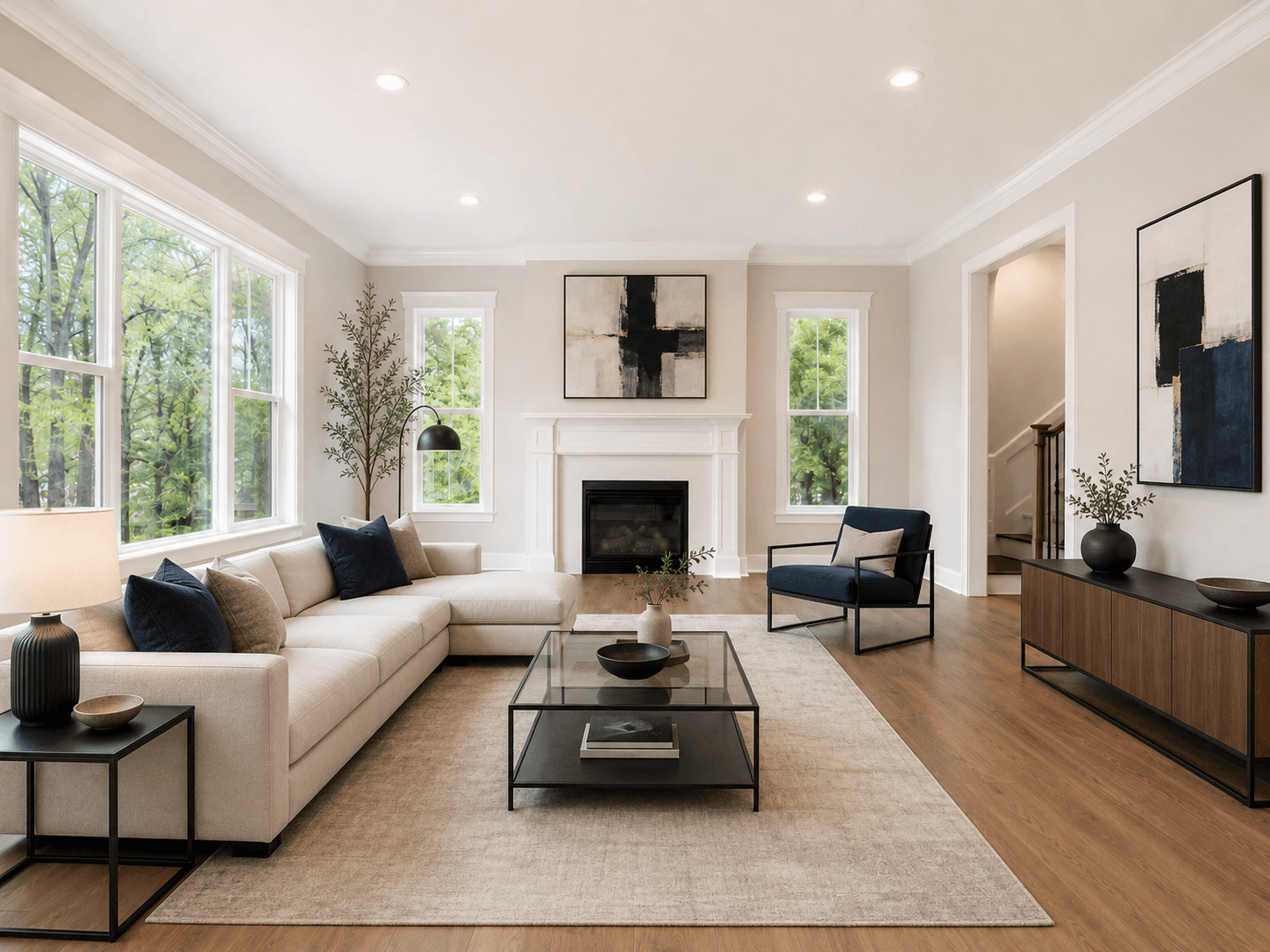
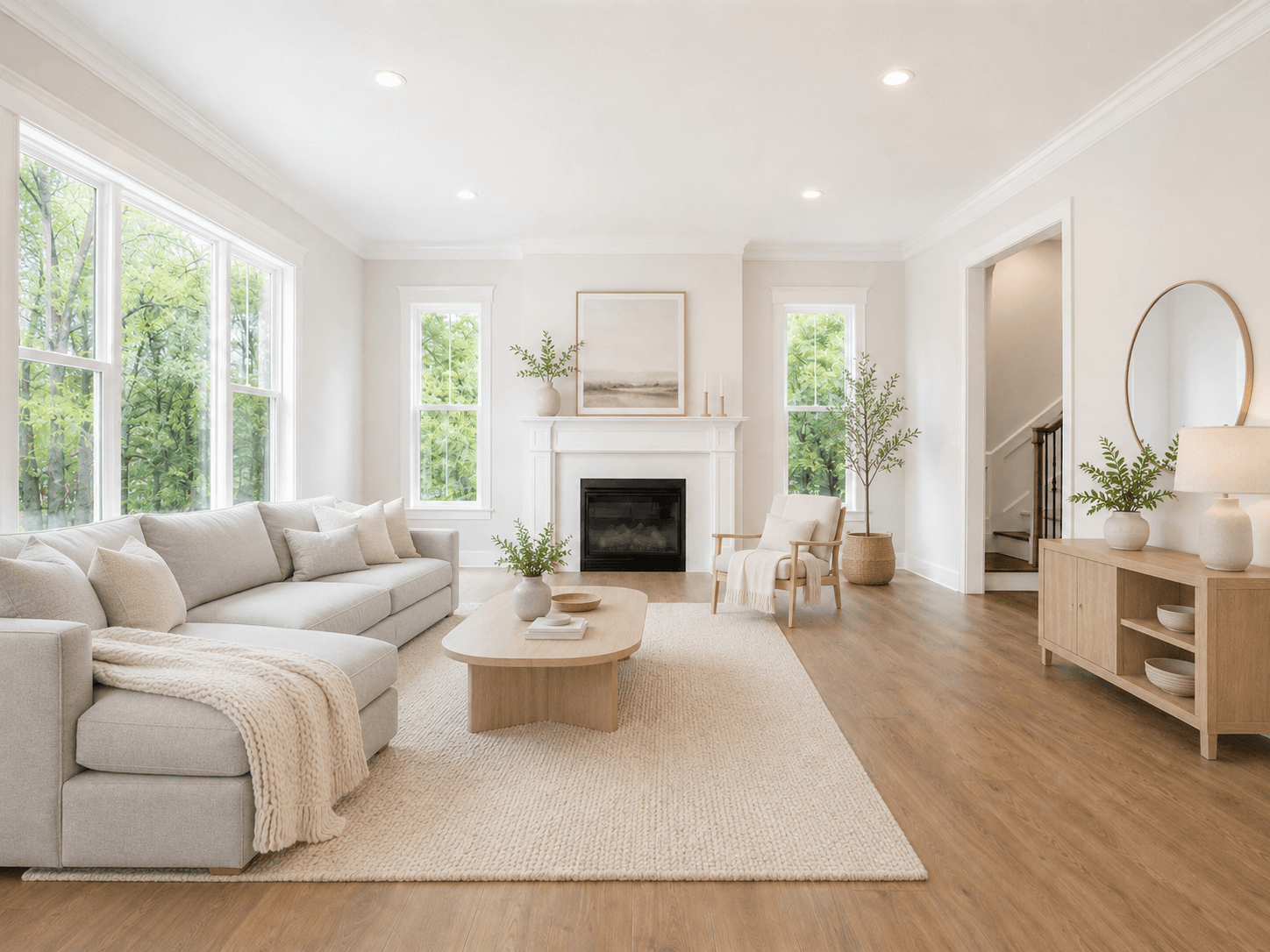
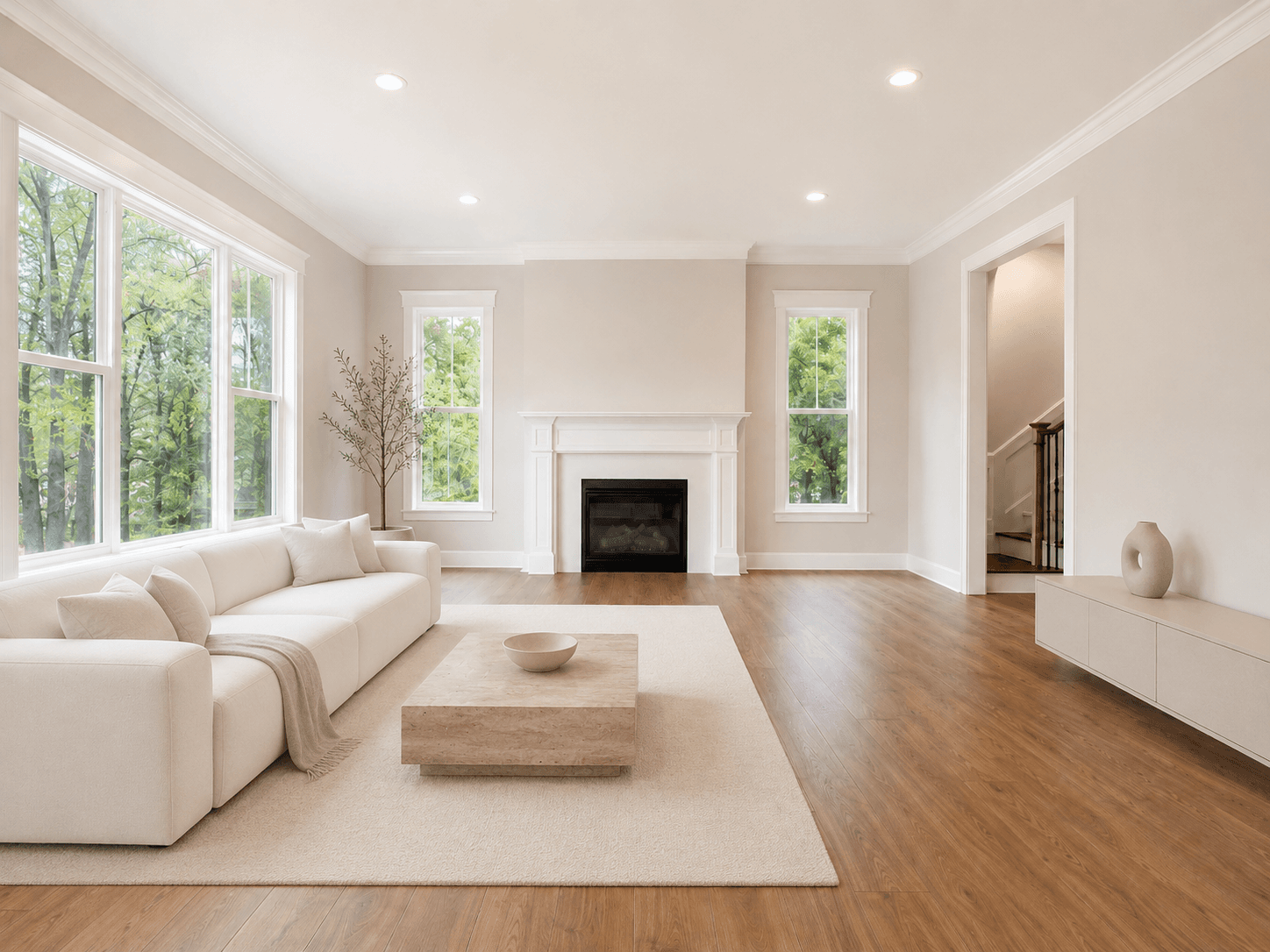
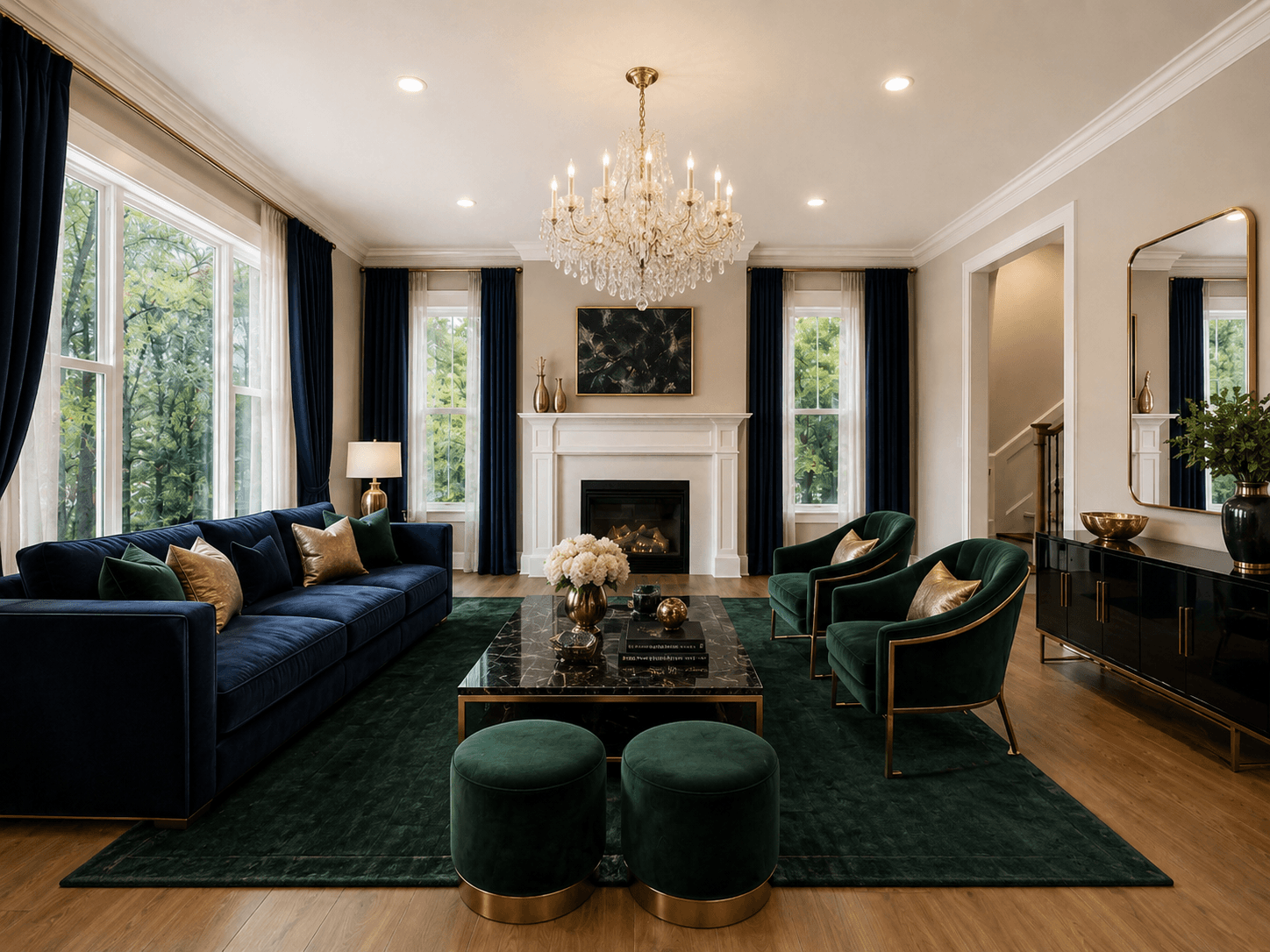
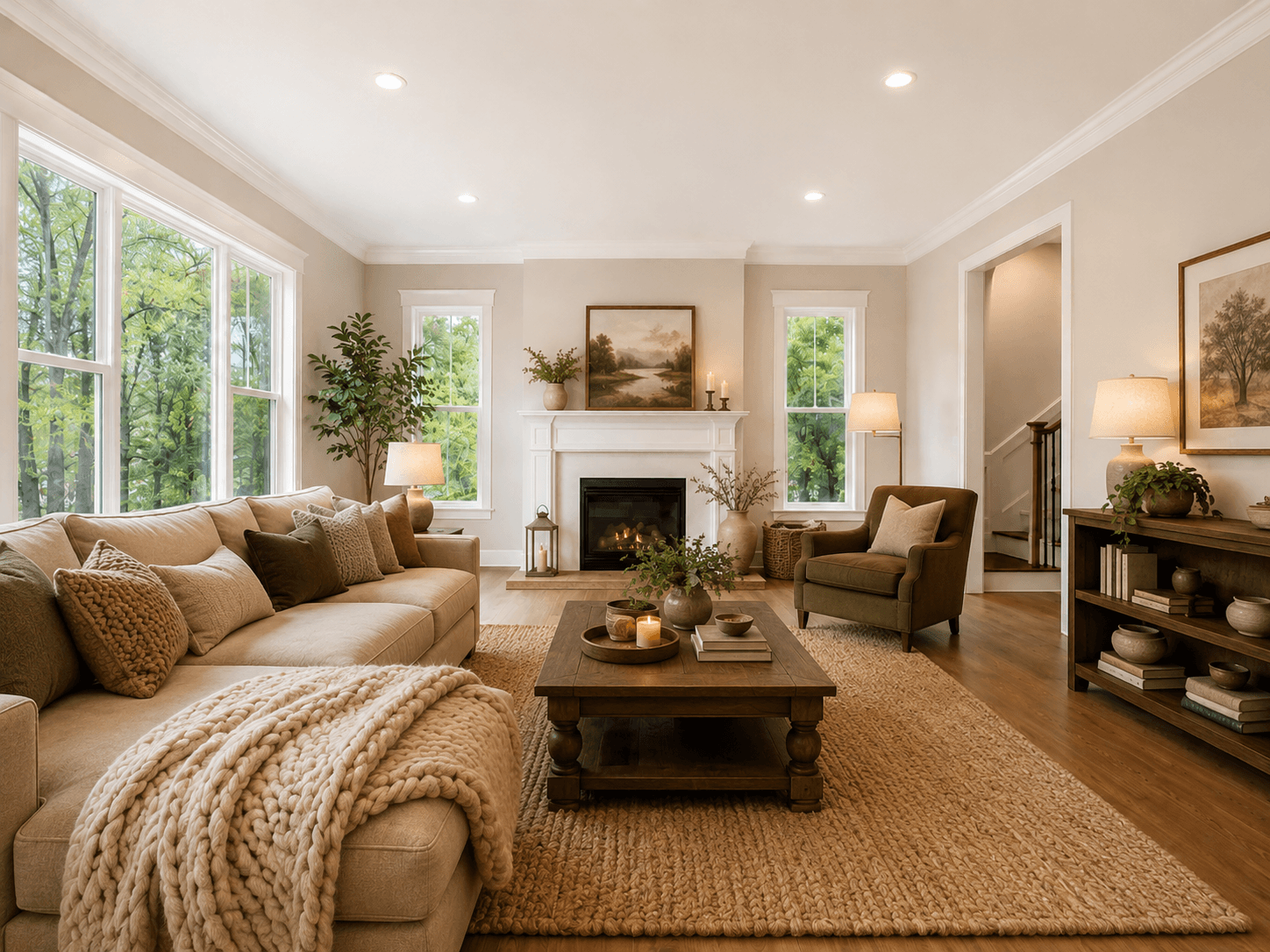
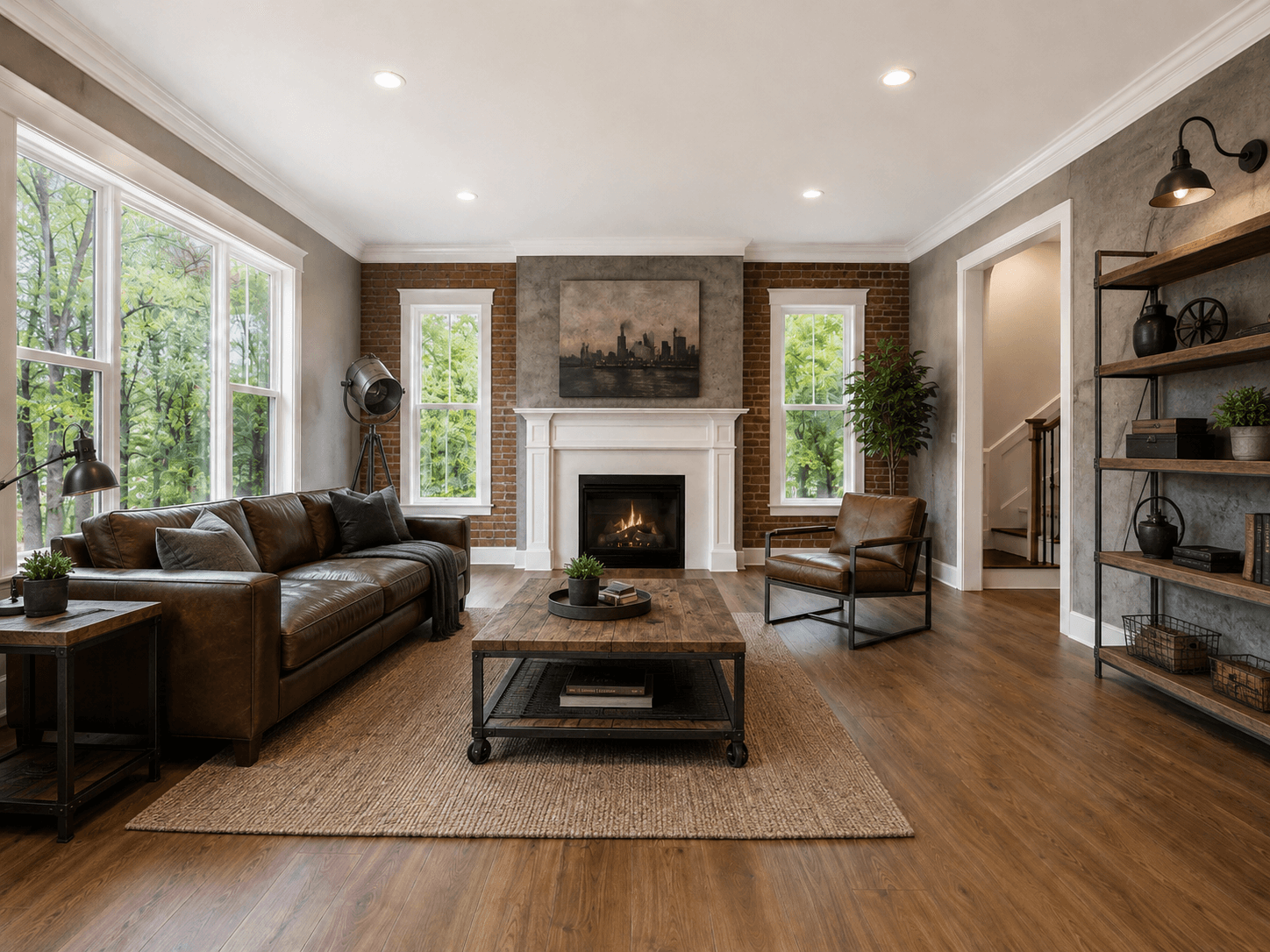
Drag the slider on any example to see what one tap does.
Virtual Staging
Turn a bare room into a warm, lived-in space. Choose from six styles: Modern, Scandinavian, Minimalist, Luxury, Cozy or Industrial.
No exporting, no waiting on a designer, no learning curve. Snap or pick a photo and the result is back before your coffee gets cold.
Straight from your camera roll or take a new one.
ListingShot detects the room type and confirms the photo fits the tool.
Your enhanced photo is ready to save and share. Compare before & after with a swipe.
Generation times vary with your connection and image size. Most photos finish in 10–30 seconds.
ListingShot is login-free and built to be used on the go: no studio, no laptop, no learning.
List faster and win more interest. Make every property look its best without booking a photographer or touching Photoshop.
Selling or renting your own place? Get photos that stand out on the marketplace and bring in more viewings.
Refresh your listing photos in minutes so your place looks as good online as it does in person.
Give every agent a consistent, professional look for their listings, no design team required.
The whole flow is designed around one idea: the shortest path from a photo you have to a photo you're proud of.
Declutter, Virtual Staging or Lighting Enhance.
From your library or your camera.
Automatic room detection makes sure the photo suits the tool. No guessing.
Compare before and after, save to your photos, or share straight to a listing.
Open the app and start. No email, no password, no profile to manage. Your identity stays on your device.
ListingShot recognises living rooms, bedrooms, kitchens and more, and tells you if a photo isn't right for the tool before it costs you a credit.
A draggable slider lets you and your buyers see exactly what changed. The transformation is the whole point.
Got a full set of photos? Queue several in one go and come back to a finished gallery.
Match the look to the property, from bright Scandinavian to warm Luxury, with a single tap.
Results look like real photography, not a cartoon. Lighting Enhance never changes the room, just how good it looks.
Export full-resolution photos to your library or share them straight to your listing platform.
A clean, native iPhone experience that looks right whatever time of day you're working.
Everything you might want to know before your first shot.
No. ListingShot is completely login-free. There's no sign-up, email or password. You open the app and start editing right away. Your identity stays anonymous and on your device.
Most photos are ready in about 10 seconds, and almost always within 30. Exact time depends on your connection and the size of the image. You can even leave the screen and we'll have it waiting for you.
They're opposites. Declutter removes furniture and clutter to show a room clean and empty. Virtual Staging does the reverse: it furnishes an empty room in the style you choose. The app helps you pick the right one for each photo.
No. Lighting Enhance only fixes exposure, white balance and brightness. It makes a dark or dull photo look bright and professional without altering anything in the actual space, so your listing stays accurate.
Virtually staged and enhanced photos are widely used, but disclosure rules vary by region and platform. As a rule of thumb, label staged or significantly edited photos as 'virtually staged' where your local guidelines require it. You're responsible for following the rules that apply to your listings.
ListingShot uses a simple credit system: one credit per generated photo, bought through the App Store. There's no account or login needed to pay, and you only pay for the photos you generate.
Yes. You can queue up to 16 photos in a single batch and come back to a finished gallery, so a full set of listing photos is just a few taps away.
Clear, well-framed photos of a single room give the best results. ListingShot automatically detects the room and lets you know if a photo isn't a good fit for the tool you picked, so you never waste a generation.
Your photos are uploaded only to generate your result and are handled according to our Privacy Policy. We don't ask for personal details, because there's no account. See the Privacy Policy for the full picture.
ListingShot launches on iPhone first. Android is on the roadmap. Get in touch through the contact form if you'd like us to let you know when it's ready.
Download ListingShot and turn the photos on your phone into shots that sell. No account needed.

No account · Pay per photo
Curious how it works? Ask your favourite AI assistant — it knows ListingShot and answers in your language.