
ListingShot vs AI HomeDesign
The closest functional twin: both stage, declutter and brighten listing photos. One needs a web login and subscription; the other is pay-per-photo on your iPhone.
AI HomeDesign is the most ListingShot-like of the web suites: a real-estate photo toolbox with virtual staging, item removal (declutter), day-to-dusk and image enhancement, on a credit-metered subscription ($19–$49/mo). The jobs overlap closely — the difference is the model. ListingShot does it on your iPhone with no account and pay-per-photo. Here's how they compare.

No account · Pay per photo

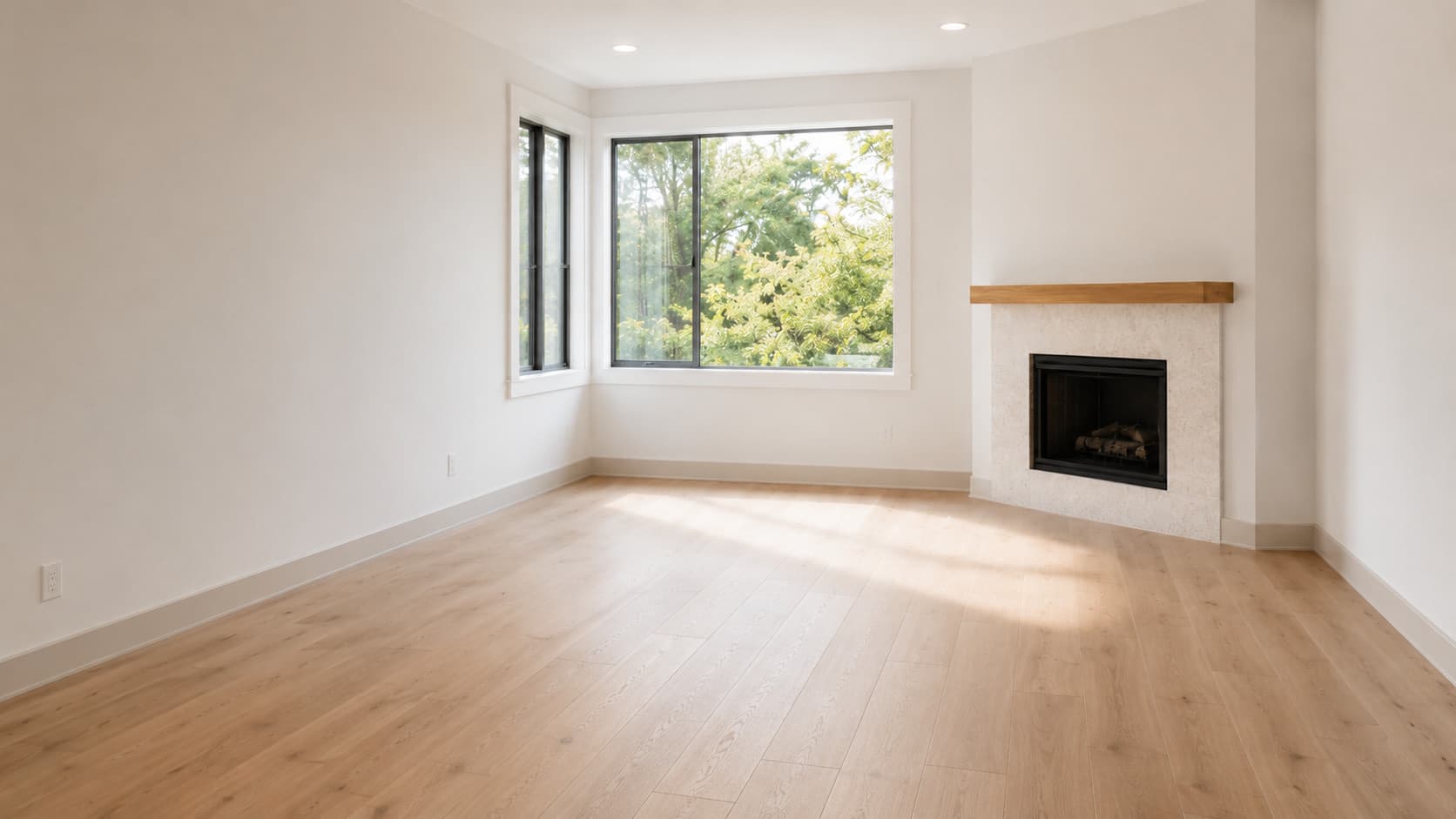
ListingShot vs AI HomeDesign at a glance
Pricing and features verified June 2026. Always check each provider for the latest.
| Feature | ListingShot | AI HomeDesign |
|---|---|---|
| Platform | Native iPhone app | Web (+API) |
| Pricing model | Pay per photo — no subscription | Subscription ($19–$49/mo) |
| Account required | No account, ever | Required (free credits on sign-up) |
| Speed | ~10 seconds | ~30 seconds |
| Virtual staging | Yes | Yes |
| Declutter / item removal | Yes | Yes |
| Day-to-dusk | No | Yes |
Where ListingShot beats AI HomeDesign
No subscription — pay per photo
AI HomeDesign locks you into a $19–$49/month plan. ListingShot bills per photo, so you only pay when you actually edit one.
No account, ever
AI HomeDesign needs sign-up before you get free credits. ListingShot needs no account — just open and edit.
It's on your phone
AI HomeDesign is a web tool used from a desktop. ListingShot is iPhone-native, for editing on site.
One-tap simplicity
Same core jobs — stage, declutter, brighten — but pick a tool, pick a photo, done, with no dashboard.
Where AI HomeDesign is the better pick
A couple more tools
AI HomeDesign adds day-to-dusk and a wider set of photo edits beyond ListingShot's three tools.
Credit rollover & team workflow
Unused credits roll over and an API is available on higher tiers, which suits desktop and team workflows. ListingShot is mobile-only.
Works from any computer
As a web app it runs on any device, while ListingShot requires an iPhone.
The verdict
AI HomeDesign is a strong choice if you work from a desktop, want a couple of extra tools like day-to-dusk, and don't mind a subscription and an account. ListingShot wins when you want the same core jobs — stage, declutter, brighten — done in seconds on your phone, with no account and no monthly plan.
No account · Pay per photo
Questions, answered.
Is ListingShot a good AI HomeDesign alternative?
Yes, especially if you want the same core jobs (staging, decluttering, brightening) without an account or subscription, on your iPhone. AI HomeDesign adds day-to-dusk and runs from any desktop.
Does ListingShot require a subscription like AI HomeDesign?
No. AI HomeDesign runs on a $19–$49/month plan; ListingShot is pay-per-photo with no subscription and no account.
Is there an AI HomeDesign app for iPhone?
AI HomeDesign is a web app with no genuine first-party iPhone app. ListingShot is built for iPhone, so you edit straight from your camera roll.
Do both remove furniture from photos?
Yes. AI HomeDesign has AI Item Removal and ListingShot has a Declutter tool — both remove furniture and clutter from a room photo.
Compare ListingShot with other tools
AI HomeDesign is a trademark of its respective owner and is not affiliated with or endorsing ListingShot. Comparison based on publicly available information from AI HomeDesign as of June 2026; details may have changed since. AI HomeDesign ↗